Svenska Dokumentmallar
IT Service Catalog and Service Description – Support, Ordering, and Excel | Word/PDF
IT Service Catalog and Service Description – Support, Ordering, and Excel | Word/PDF
- File format
- DOCX, PDF, XLSX
- Document language
- Five Swedish main templates Swedish and English guide
- Number of files
- 7
Digital download. No physical product is shipped.
Couldn't load pickup availability
About this template
IT Service Catalog and Service Description is a professional template package for companies that want to document their internal IT services, responsible service owners, ordering procedures, support levels, and planned decommissioning. The content consists of editable Word documents, searchable PDF files, and an Excel register with nine tabs.
Package Contents
15 files: 7 Word (DOCX), 7 searchable PDFs, and 1 Excel (XLSX). Five working documents, one Swedish guide, and one English guide. The PDF files are read-only versions, not interactive forms.
What the Files Contain
Service catalog with service ID, owner, and status; service description with scope and exclusions; support and escalation plan; service request; follow-up and decommissioning protocol; Swedish user guide; English User Guide; and Excel register.
Working Documents
- IT Service Catalog: overview, responsibilities, and approved catalog version.
- Service Description: target audience, included features, exclusions, dependencies, and permissions.
- Support and Escalation: contact channels, operating hours, priorities, and responsibilities.
- Service Request: request, assessment, decision, and delivery confirmation.
- Service Follow-up and Decommissioning: decision to change, follow-up, data export, and verification.
- Guides: Swedish instructions and a separate English user guide. The main templates are in Swedish.
Excel Register with Nine Tabs
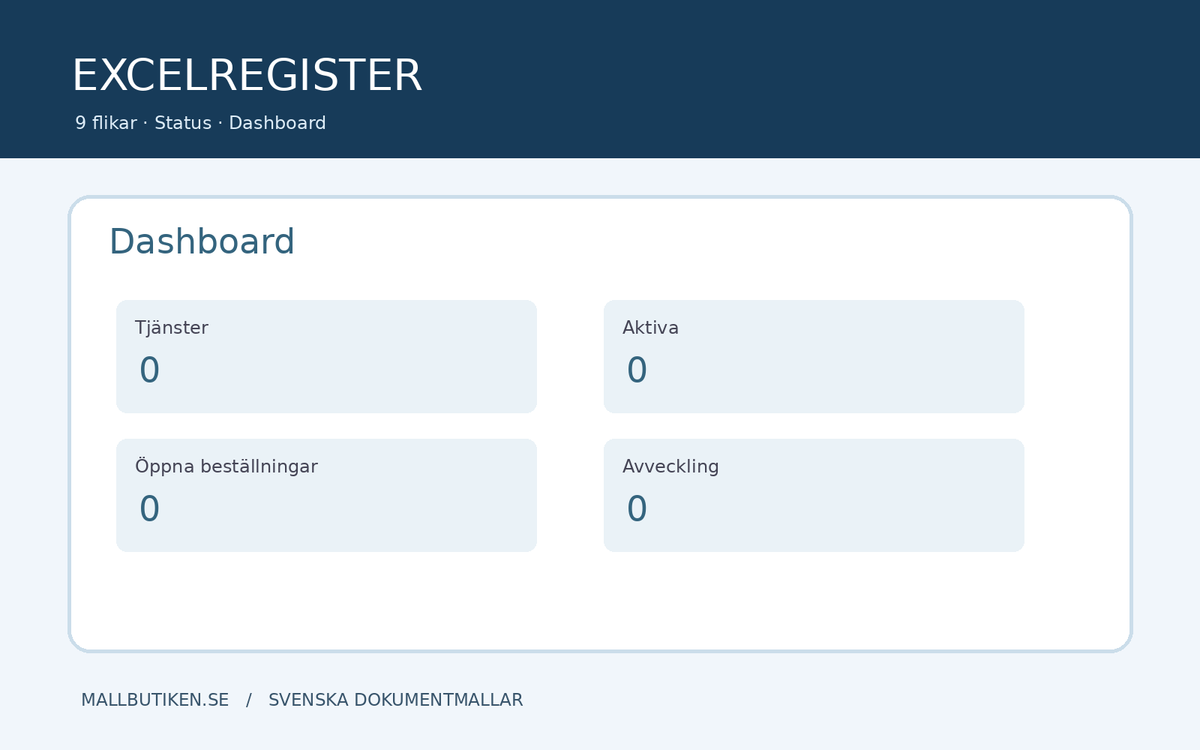
Dashboard, Read Me, Services, Responsibilities, Requests, Support, Suppliers, Follow-up, and Decommissioning. The Dashboard shows registered services, active services, open requests, and ongoing decommissioning. Statuses are recorded manually and must be verified against actual decisions.
How to Use the Service Catalog
- Appoint a catalog manager and responsible service owners.
- Assign each service a unique identification number, for example SVC-001.
- Describe the service's content, limitations, and support channels.
- Document requests and decisions in Word and Excel.
- Regularly review statuses and contract references.
- Make separate decisions when changing or decommissioning.
Important Information on Legal and Information Security
The IT service catalog is an administrative work aid and does not replace a binding service agreement, SLA, or data processing agreement. When an external supplier processes personal data on behalf of the organization, a data processing agreement may be required under Article 28 of the GDPR. Read more from the Swedish Authority for Privacy Protection. Also assess security, confidentiality, and archiving requirements separately. No external legal reviews or certifications are included.
Frequently Asked Questions
What is an IT service catalog?
A consolidated description of the IT services an organization offers internally or externally, for example what is included, who is responsible, and how requests are handled.
Is a service description the same as an SLA?
No. The document may describe intended service levels, but a binding SLA requires a separate contractual commitment.
Can Excel automatically approve a request?
No. Excel compiles registered data and status markings. Approval is performed by an authorized person.
Are the documents in English?
The main templates are in Swedish. An English user guide is included for support.
Can the templates be used for external cloud services?
Yes, as administrative service descriptions. Separately check relevant supplier agreements, information security, and any data processing agreements.
Delivery Information
Digital ZIP with 15 files. Version 1.0. AI-assisted source control 2026-10-29. No external legal review. The product is an unpublished draft until the digital file is linked and the delivery is tested.